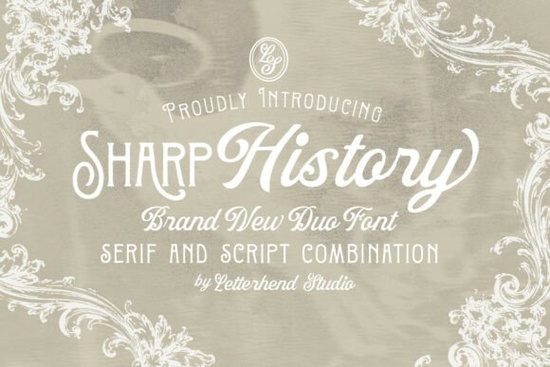
If you’ve been searching for a font that brings together vintage charm and modern elegance, Sharp History might be exactly what your next project needs. This font duo pairs a decorative serif with a flowing script not too ornate, not too plain making it ideal for wedding stationery, boutique branding, or even packaging that wants to feel handcrafted and personal. Whether you’re designing invitations, logos, or greeting cards, the combination gives you flexibility without losing cohesion.
What makes this font duo work so well together?
The serif in Sharp History has subtle details think gentle serifs and slight flares that nod to classic typography without feeling outdated. It’s sturdy enough for headlines or body text but still carries personality. The script companion is where things get soft and graceful. Its natural flow mimics handwriting, which makes it perfect for names, quotes, or anything meant to feel intimate.
You don’t have to choose between structure and expression. Use the serif for titles or product names, then let the script handle signatures or taglines. They’re designed to complement each other, so you won’t need to spend time adjusting spacing or weights to make them look like they belong together.
Where should I use Sharp History in my designs?
- Wedding invitations – The script adds romance; the serif keeps things legible and grounded.
- Small business branding – Especially bakeries, florists, or boutiques that want to feel timeless yet approachable.
- Packaging labels – Think artisanal jams, candles, or skincare where a little elegance goes a long way.
- Editorial layouts – Magazine spreads, blog headers, or quote graphics benefit from the contrast between structured and fluid type.
- Greeting cards and prints – The script feels personal, while the serif adds polish.
If you’ve liked fonts like Montega or Monarch Heritage for their classic appeal, Sharp History offers something similar but with more versatility thanks to the script pairing. It’s not trying to be overly dramatic just quietly refined.
Is this font beginner-friendly?
Absolutely. You don’t need advanced design skills to make it work. The characters are well-spaced, and OpenType features (like alternates and ligatures) are easy to access in most design software. Even if you’re using Canva or a basic PDF editor, both styles render cleanly at small and large sizes.
One thing users often appreciate: the script doesn’t go overboard with flourishes. Some script fonts can become illegible or overwhelming, but Sharp History’s version stays readable even in longer phrases. That’s rare, and really useful if you’re designing for clients or customers who need clarity alongside style.
How does it compare to other vintage-inspired fonts?
It sits comfortably between ornate and minimal. If you’ve tried The Simple Editorial, you know how clean and functional that one is Sharp History adds warmth without sacrificing professionalism. And compared to something like Sweetberry Serif, which leans sweeter and more whimsical, Sharp History feels more grounded, almost editorial.
It’s also lighter in visual weight than many vintage fonts, which means it won’t overpower photos or illustrations. That’s helpful if you’re layering text over images or working with limited color palettes.
Any tips for getting the most out of this font?
- Pair the script with the serif in the same design they were made for each other, so don’t feel pressured to bring in a third font.
- Use generous leading (line spacing) with the script, especially in longer blocks it helps maintain readability.
- Try all-caps with the serif for logos or headers the letterforms hold up beautifully.
- Stick to muted or earthy tones creams, olives, deep reds to enhance the vintage mood without looking dated.
And if you’re selling printables or merch, this font scales well for both digital and physical products. No pixelation at small sizes, no loss of detail when printed large.
Ready to try it?
Download Sharp History and test it with a real project maybe a mock invitation or a product label. See how the two styles interact when layered or placed side by side. You’ll quickly notice how naturally they balance each other.
Quick checklist before you start:
- Install both font files (serif + script).
- Open your design software and check OpenType features alternate characters can add nice variation.
- Start with a simple layout: headline in serif, subhead or signature in script.
- Export at different sizes to test legibility especially if printing.
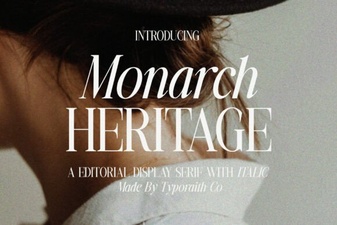 Monarch Heritage Font for Modern Design Projects
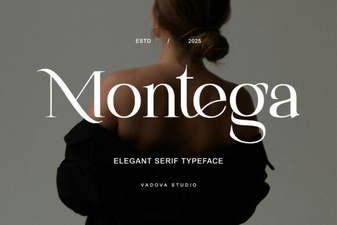 Montega Font: Clean Display Font for Modern Design
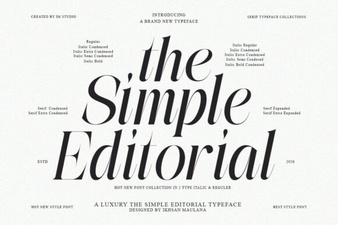 The Simple Editorial Font: Design & Usability Guide
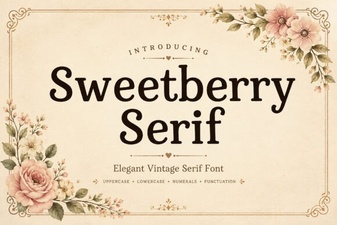 Sweetberry Serif for Modern Typography Projects
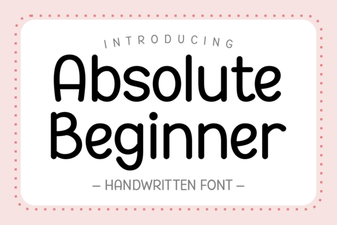 Fonts for Beginner Designers: Getting Started
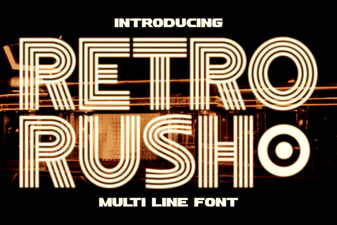 Retro Rush Font: Classic Design for Modern Projects